Tips for Creating a Cozy and Inviting Home Office Space
Creating a cozy and inviting home office has become a priority for many as remote work and flexible schedules continue to be common. A well-designed workspace can improve focus, reduce stress, and make working from home a more enjoyable experience. Here are some practical tips to help you create a home office that feels both comfortable and inspiring.
Choose the Right Location
Finding the ideal spot in your home to set up your office is the first step.
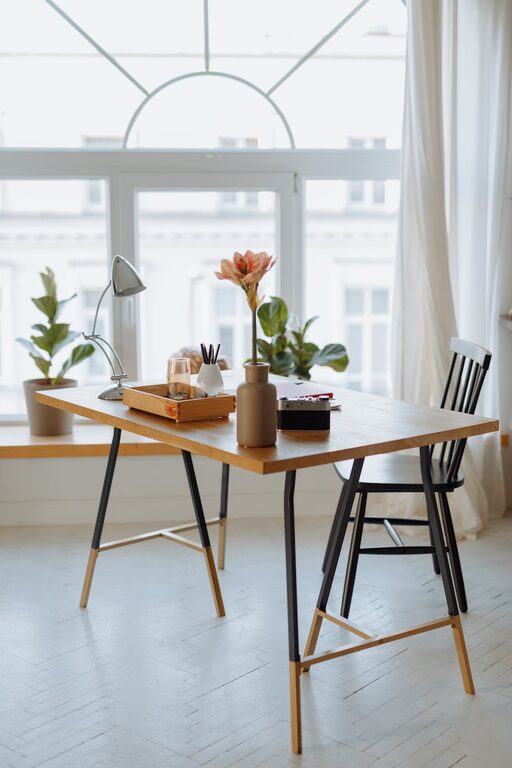
– Natural Light: Pick a space with plenty of natural light. Sunlight can improve mood and productivity. Position your desk near a window if possible.
– Quiet and Private: Choose an area away from household noise and distractions. This helps create a focused environment.
– Space for Movement: Ensure there’s enough room to stretch or move around. Cramped spaces can feel stifling.
Invest in Comfortable Furniture
Your office furniture can greatly affect your comfort and work efficiency.
– Ergonomic Chair: Select a chair that supports good posture and has adjustable features to fit your body.
– Desk Size: Choose a desk that accommodates your computer and any other tools without clutter.
– Flexible Layouts: Consider adjustable desks or sit-stand options to vary your posture during the day.
Add Warm and Inviting Decor
Decor can transform the atmosphere of your office space.
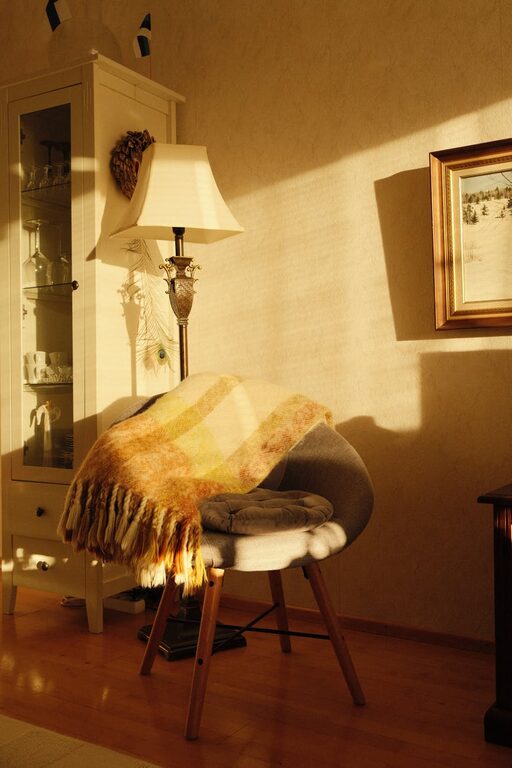
– Soft Textures: Use cushions, throws, or rugs to add warmth.
– Natural Elements: Plants, flowers, or wood accents create a calming environment and improve air quality.
– Personal Touches: Include artwork, photos, or meaningful objects that inspire and motivate you.
Organize and Declutter
A clean and organized space reduces mental clutter and distractions.
– Storage Solutions: Use shelves, drawers, or bins to keep supplies tidy.
– Cable Management: Hide cords and cables with clips or sleeves to maintain a neat look.
– Daily Tidying: Make it a habit to tidy your desk at the end of each day.
Optimize Lighting
Good lighting reduces eye strain and enhances mood.
– Layered Lighting: Combine ambient light with task lighting for flexibility. Desk lamps or floor lamps are great additions.
– Adjustable Brightness: Choose lighting that can be dimmed or brightened depending on the time of day.
– Avoid Glare: Position screens and lamps to minimize glare on your monitor.
Incorporate Calming Colors
The colors in your workspace can influence your focus and mood.
– Neutral Tones: Soft neutrals like beige, gray, or white create a serene backdrop.
– Accent Colors: Use calming blues, greens, or muted yellows to stimulate creativity and reduce stress.
– Avoid Overstimulation: Stay away from overly bright or intense colors that can distract.
Use Functional Technology
The right tech tools make your work smoother and your space more efficient.
– High-Quality Monitor: To reduce eye strain and improve visibility.
– Noise-Cancelling Headphones: Great for focusing if you have background noise.
– Reliable Internet: Ensure your connection is stable for calls and online work.
Create a Relaxation Corner
Including a small space where you can take breaks is important.
– Comfortable Seating: A cozy chair or small sofa invites you to step away from your desk.
– Relaxing Items: Include books, magazines, or a diffuser with calming scents.
– Greenery: Adding plants here can help rejuvenate your mind.
Personalize Your Schedule and Environment
Lastly, remember that a home office should adapt to you.
– Set Work Hours: Keep regular hours to separate work and personal life.
– Background Music: Soft music or ambient sounds can boost concentration.
– Temperature Comfort: Make sure the room temperature is comfortable for working long hours.
—
By combining these elements, your home office will become a cozy, inviting place where you feel motivated and comfortable. Whether you have a dedicated spare room or a small corner in your living space, thoughtful design and personalization can make all the difference in your work-from-home experience. Happy decorating!